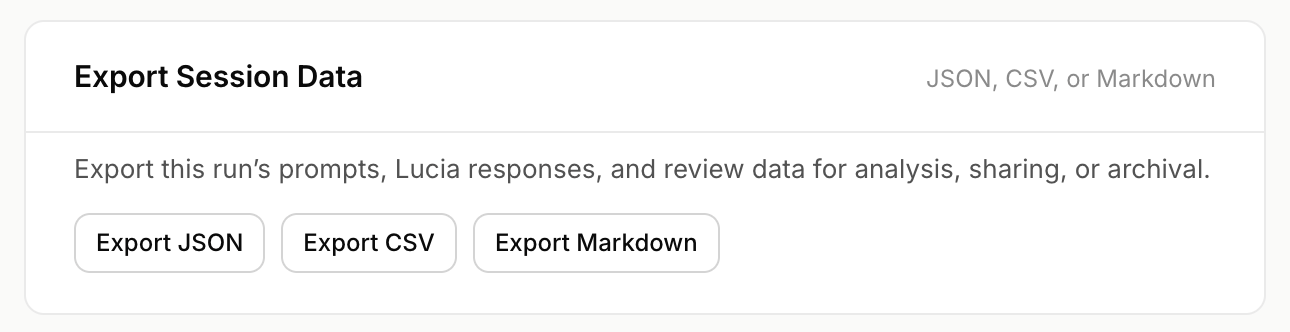

Exports turn review sessions into evidence that product and engineering can act on.
Export formats
Eval Labs supports structured exports such as:- JSON
- CSV
- Markdown
What to check in a good export
A complete export should include:- session metadata
- run source
- prompt count
- custom suite linkage when relevant
- cases
- Lucia responses
- review drafts
- saved reviews
- saved timestamps
savedBywhen reviews were savedexportedBywhen exported by a logged-in user
Generated-only exports
If a run was exported before review, the export may show:Reviewed exports
A reviewed export is stronger because it includes human judgment. Before sending an export to product or engineering, make sure the relevant items have been saved.How engineers should use exports
Engineers should read exports for patterns, not isolated annoyances. A single odd response may be useful. A repeated pattern is much more important. Pattern examples:- disorientation prompts route to generic capability redirect
- payment risk gets detected but next action is vague
- Lucia sounds warm but does not narrow the field
- Spanish prompts lose warmth
- trust repair language overclaims
Export testing suite data from Eval Labs